MacOS折腾日记 260124

主要是记载一些无关紧要的折腾笔记,用于参考回顾
一、VSCode
为Visual Studio Code配置终端shortcut命令:code
打开Visual Studio Code,执行快捷键⌘ + ⇧ + P,输入shell command,选择Shell Command: Install 'code' command in PATH,输入开机密码即可code -v
1.108.1
585eba7c0c34fd6b30faac7c62a42050bfbc0086
arm64
二、Ghostty
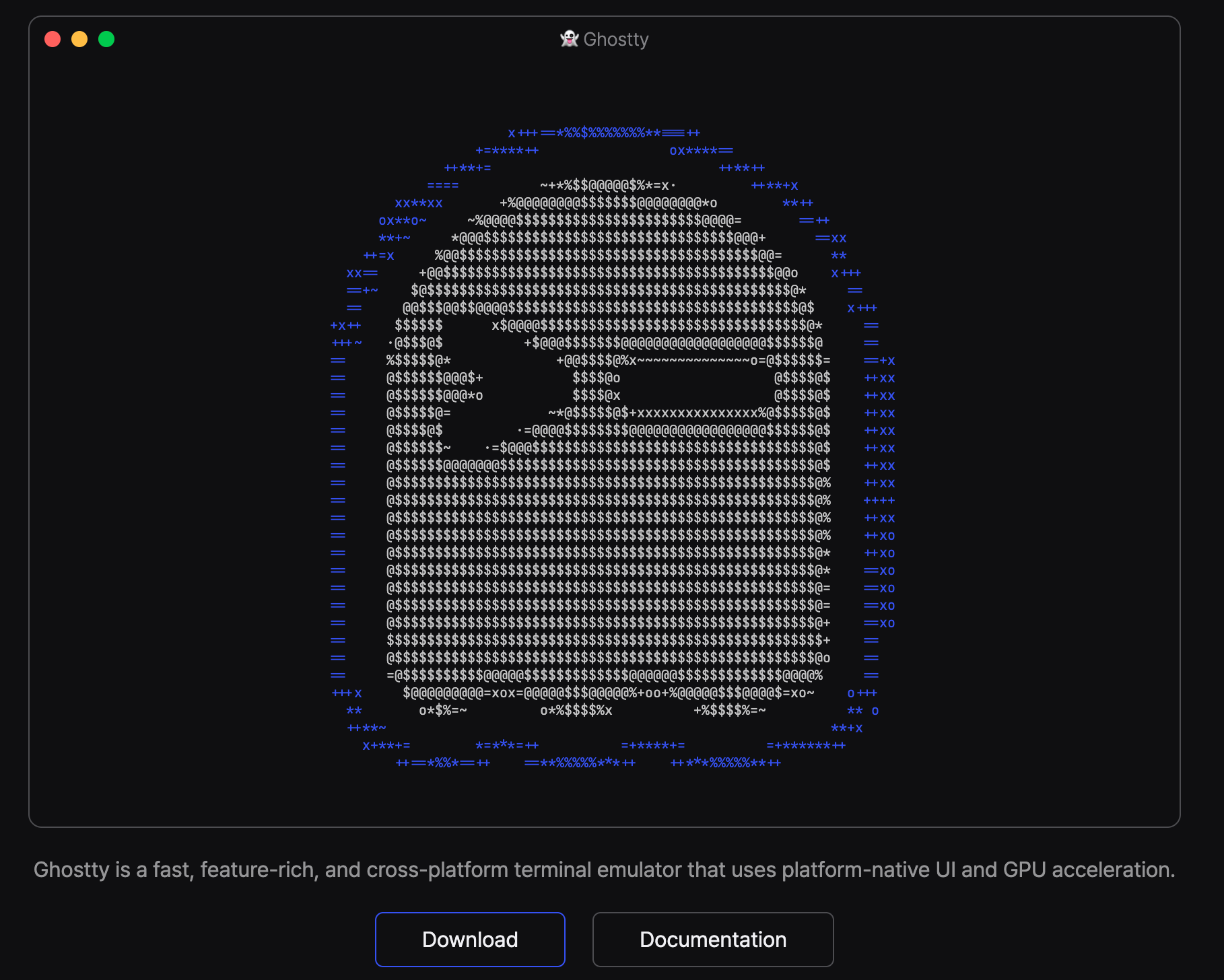
- 安装配置ghostty
brew install --cask ghostty
code ~/.config/ghostty/config
- 查看ghostty支持的配置和应用的配置
ghostty +show-config --default
ghostty +show-config
- 安装配套字体
brew install --cask font-jetbrains-mono-nerd-font
速度太慢了,Ctrl C改为手动安装
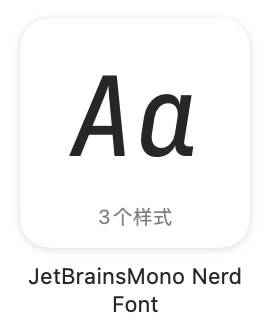
访问 https://www.nerdfonts.com/font-downloads 找到JetBrainsMono Nerd Font下载,解压,找到三个文件
JetBrainsMonoNerdFont-Bold.ttf
JetBrainsMonoNerdFont-Italic.ttf
JetBrainsMonoNerdFont-Regular.ttf
打开并拖入Mac App“字体册”。
- 重载配置
⌘ + ⇧ + ,
三、Oh My Zsh
- 安装
ohmyzsh
sh -c "$(curl -fsSL https://raw.githubusercontent.com/ohmyzsh/ohmyzsh/master/tools/install.sh)"
- 下载
Powerlevel10k主题
git clone --depth=1 https://github.com/romkatv/powerlevel10k.git ${ZSH_CUSTOM:-$HOME/.oh-my-zsh/custom}/themes/powerlevel10k
- 更改主题,应用主题
code ~/.zshrc
ZSH_THEME="powerlevel10k/powerlevel10k"
source ~/.zshrc

四、zsh插件
zsh-autosuggestions (自动建议)、zsh-syntax-highlighting (语法高亮)
- 克隆插件
git clone https://github.com/zsh-users/zsh-autosuggestions ${ZSH_CUSTOM:-~/.oh-my-zsh/custom}/plugins/zsh-autosuggestions
git clone https://github.com/zsh-users/zsh-syntax-highlighting.git ${ZSH_CUSTOM:-~/.oh-my-zsh/custom}/plugins/zsh-syntax-highlighting
- 克隆失败,应该是github没走代理,手动设置
export http_proxy=http://127.0.0.1:7890
export https_proxy=http://127.0.0.1:7890
- 配置使用插件,重载
code ~/.zshrc
plugins=(git)改为plugins=(git zsh-autosuggestions zsh-syntax-highlighting)
source ~/.zshrc


五、小工具
- ls -> eza,颜色图标更丰富
brew install eza

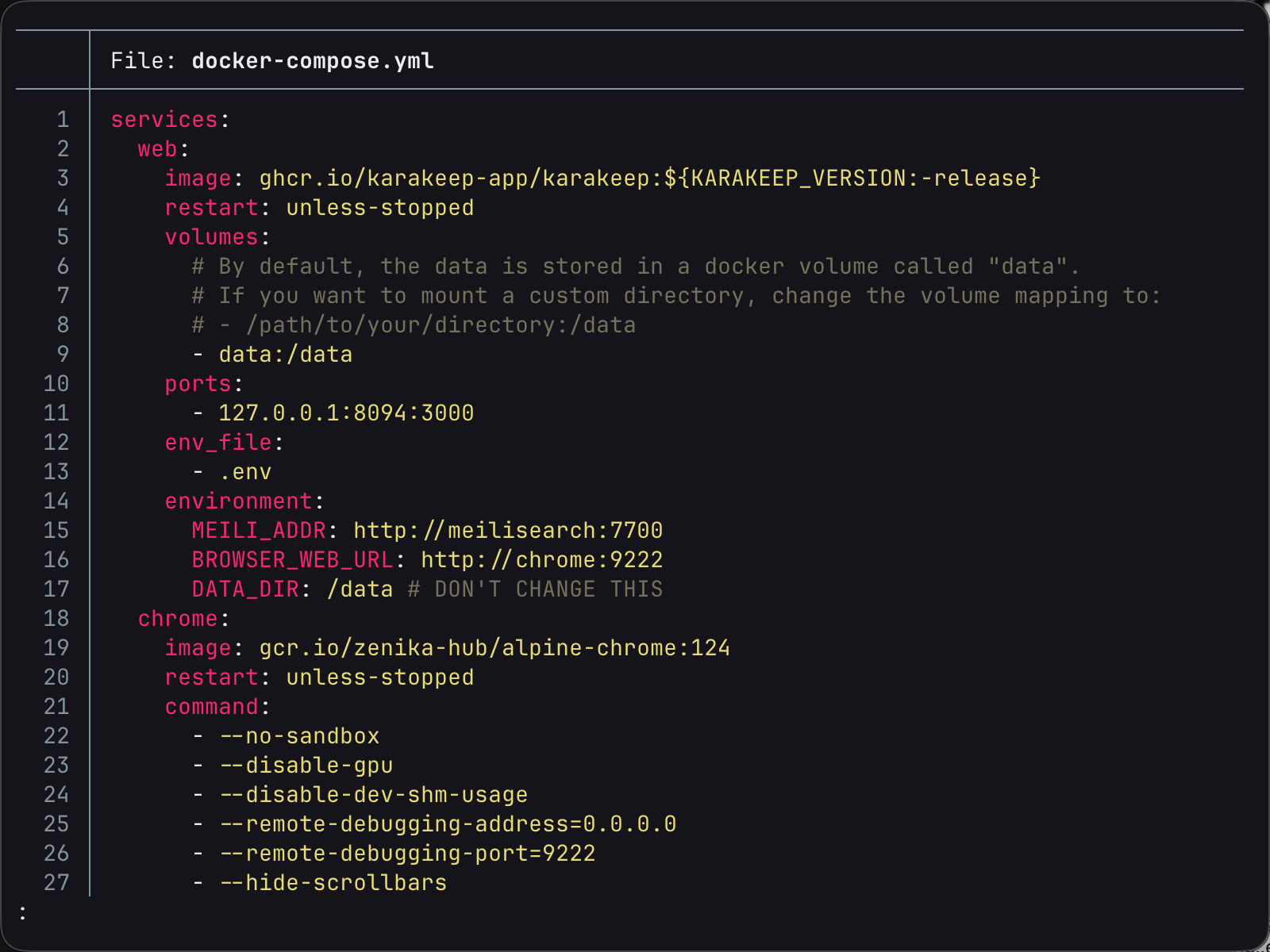
- cat -> bat,支持代码高亮、行号,带分页功能
brew install bat
- find -> fd,速度更快
brew install fd - cd -> zoxide(z),智能路径跳转
brew install zoxide
code ~/.zshrc,尾行加上eval "$(zoxide init zsh)"
source ~/.zshrc
- neofetch -> fastfetch
brew install fastfetch
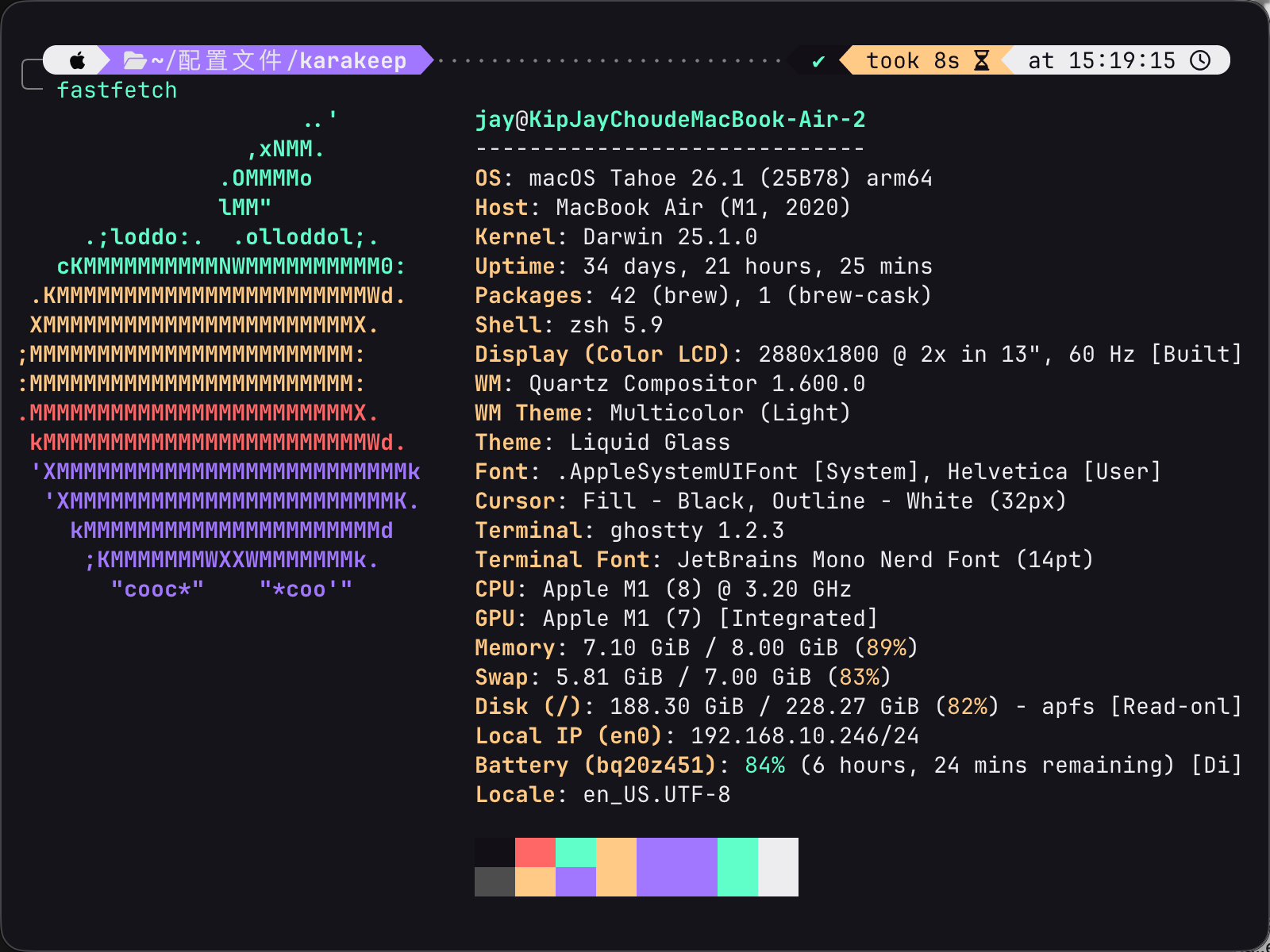
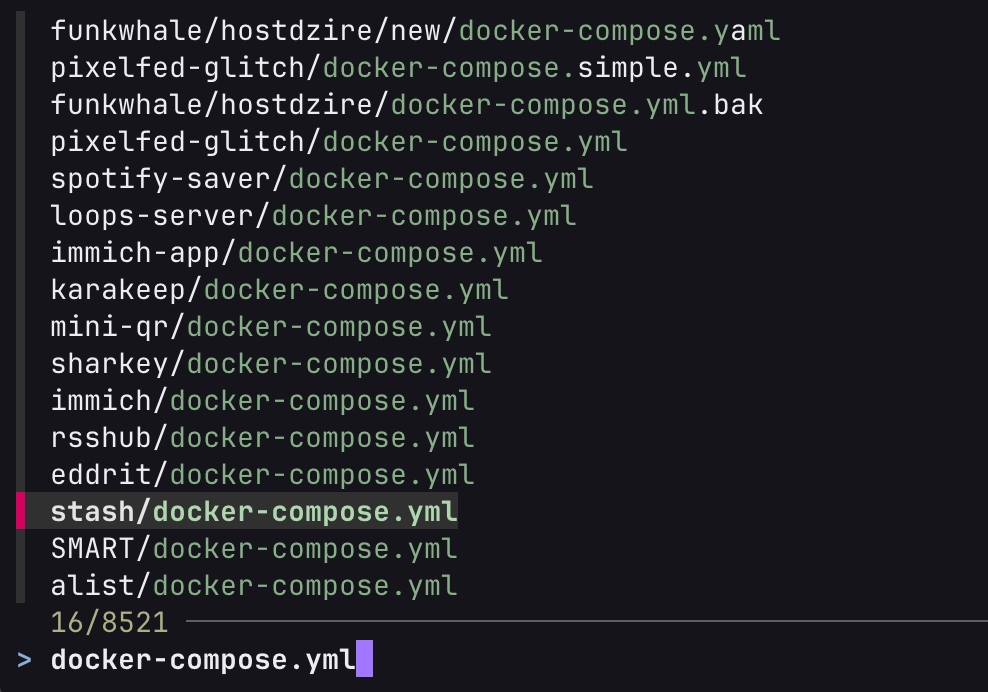
- find/fd -> fzf
brew install fzf
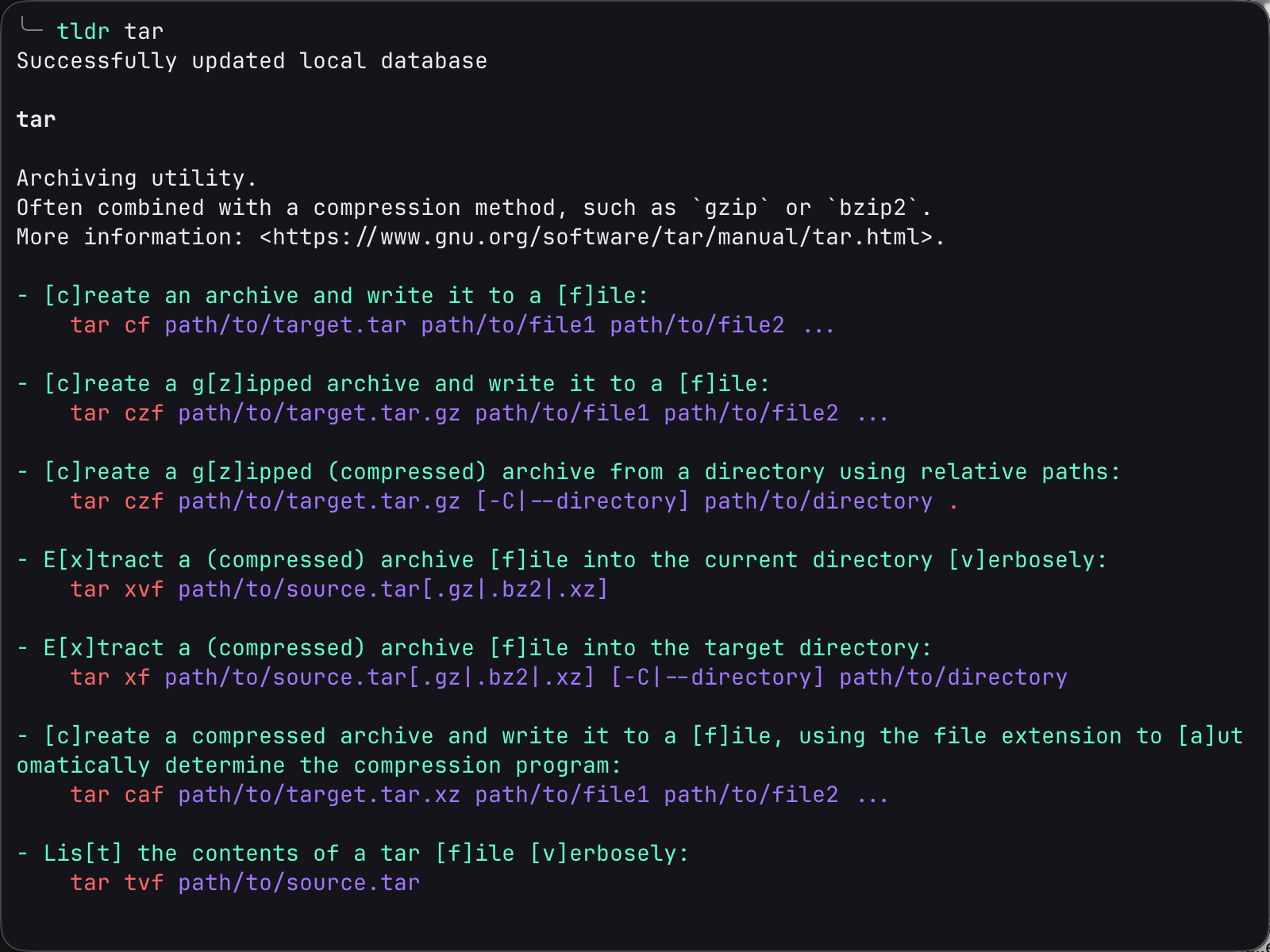
- man -> tldr
brew install tldr
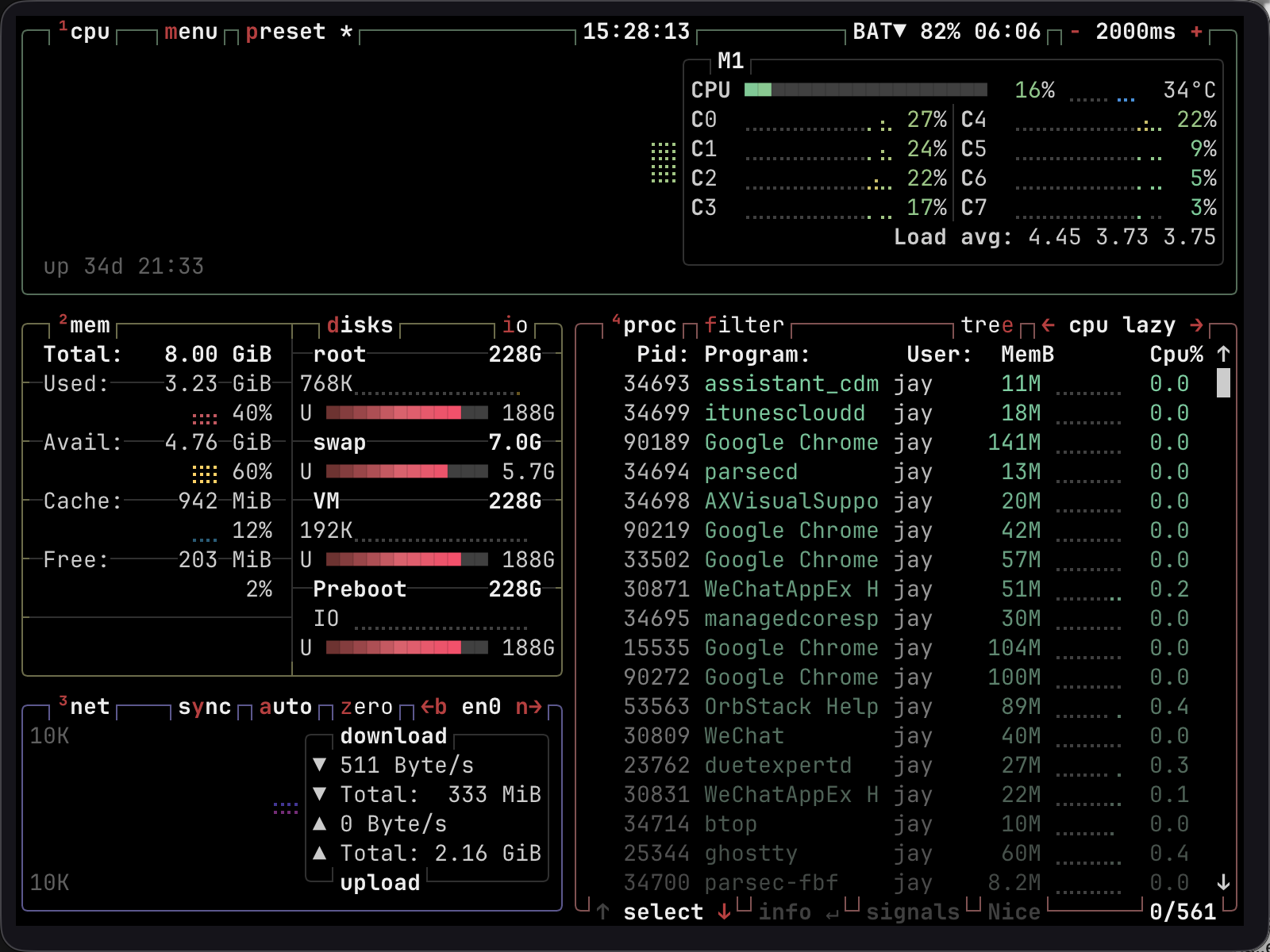
- 活动监视器 -> btop
brew install btop
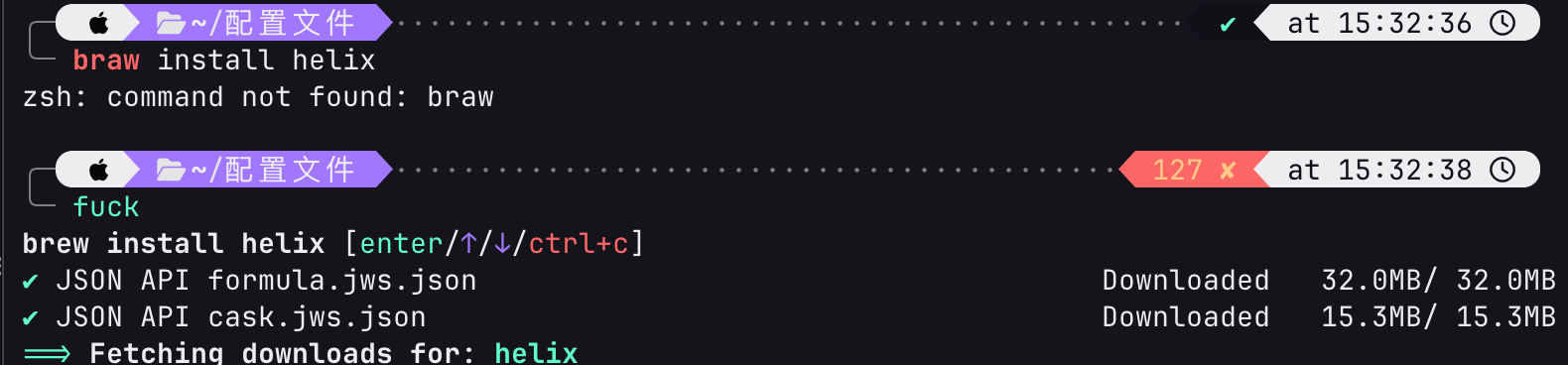
- thefuck(fuck)
brew install thefuck
code ~/.zshrc,尾行加上eval $(thefuck --alias)
source ~/.zshrc
六、编辑器
- helix(hx)
brew install helix - micro
brew install micro